For text-based Blasts and campaign messages, Wave can send standard SMS or MMS. The Prefer Phound for Phound contacts setting lets Wave deliver those messages inside the Phound app when the contact can receive them there.
This guide covers the text/in-app delivery setting, not email delivery. For email, select Email Templates in the message. Do not infer an email-to-SMS fallback or an email reply destination from this setting.
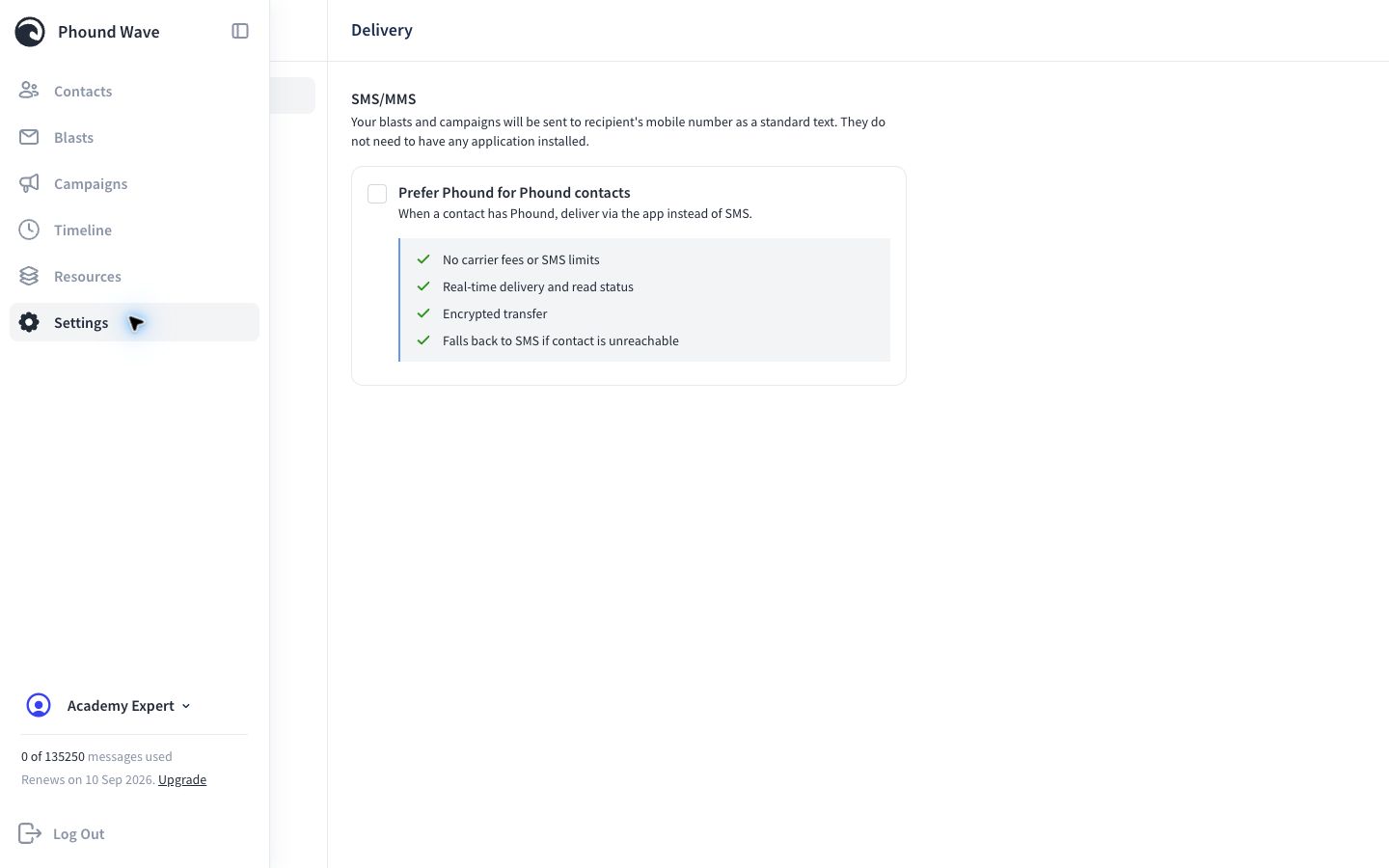
This is a persona-level delivery preference. It does not change a campaign's audience, message schedule, or consent requirements.
Choose the Intended Behavior
| Setting | What Wave attempts |
|---|---|
| Off | Send the text-based Blast or campaign message as standard SMS or MMS. |
| On | Prefer in-app Phound delivery for an eligible Phound contact, then fall back to SMS when the contact is unreachable through Phound. |
Turn the setting on when in-app delivery is part of the approved communication experience. Leave it off when the workflow should consistently use the contact's mobile number through SMS or MMS.
Review the Setting
- Open Settings.
- Select Delivery.
- Review Prefer Phound for Phound contacts.
- Turn it on when you want Wave to prefer in-app Phound delivery for eligible contacts.
When enabled, Wave describes these behaviors:
- no carrier fees or SMS limits for the in-app delivery
- real-time delivery and read status
- encrypted transfer
- fallback to SMS when the contact is unreachable through Phound
For this text-message workflow, contacts who do not receive the message through Phound continue through the SMS or MMS path.
Before Changing It
- Confirm the persona name at the bottom of the Wave sidebar.
- Identify which Blasts and Campaigns use that persona.
- Confirm that in-app delivery is appropriate for the audience.
- Review TCR and sending requirements for messages that can fall back to SMS.
Changing this setting affects the active Wave persona, not every persona in the Phound account.
Verify the Result
Use an authorized test contact that can receive Phound messages. Send only through an approved test workflow, then confirm the delivery channel and expected fallback behavior. If SMS delivery is involved, also review the sender number, registration status, message usage, and broadcast hours.
For registration requirements, see TCR and Message Packs in Wave. For timing, see Broadcast Hours and Scheduling.