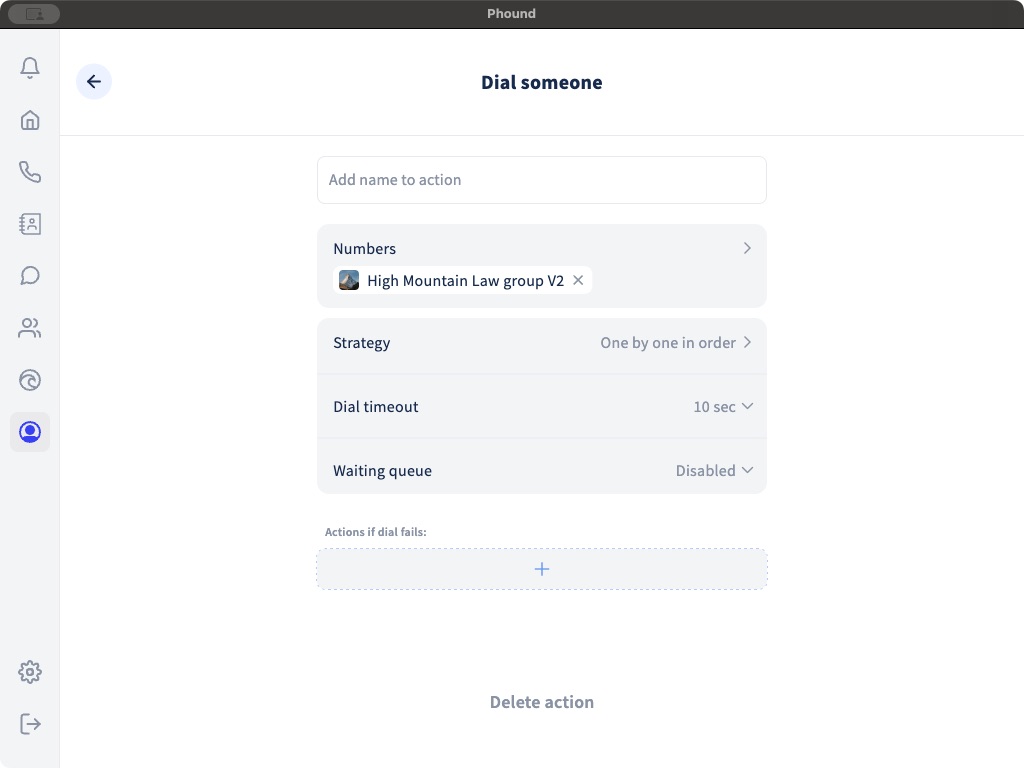
Use Dial someone when a Flow should ring one person or a group. The action controls who is called, how multiple recipients are tried, how long Phound waits, and what happens if nobody answers.
Select the Recipients
Open Numbers and select the intended Phound people or group. Remove placeholder recipients after importing a Flow template.
If the action contains multiple recipients, review both the list and the selected strategy. The same people can receive calls in very different ways depending on the strategy.
Choose a Strategy
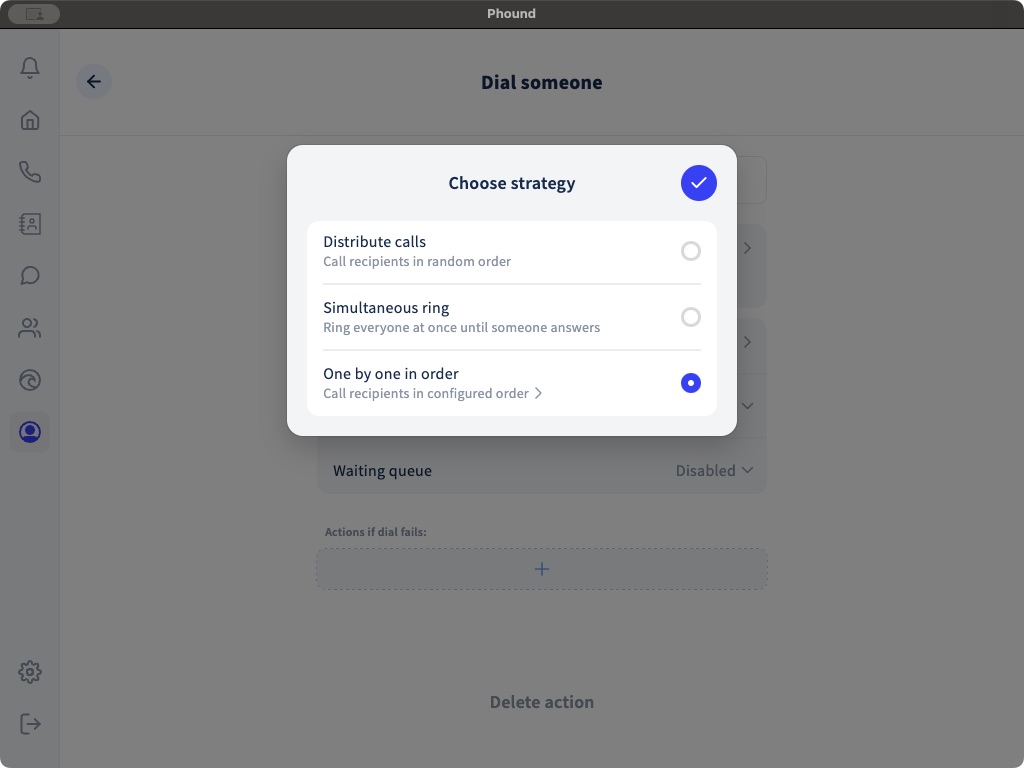
| Strategy | Desktop description |
|---|---|
| Distribute calls | Calls recipients in random order. |
| Simultaneous ring | Rings everyone at once until someone answers. |
| One by one in order | Calls recipients in the configured order. |
Use simultaneous ringing when the first available person should answer. Use an ordered sequence when priority matters. Use distribution when calls should not always start with the same person.
Set the Dial Timeout
The action-level choices are Auto, 5, 10, 15, or 30 seconds. This setting controls how long this Dial someone action waits before moving on according to its strategy or failure path.
Flow settings also contain a global dial timeout. Review both places so a copied or imported action does not use an unexpected value.
Configure a Waiting Queue
The Waiting queue choices are:
- Disabled.
- 1 minute.
- 2 minutes.
- 5 minutes.
- 10 minutes.
- 15 minutes.
A longer queue can give the team more time to answer, but it also keeps the caller waiting. Use a clear message before the Dial someone action and provide a useful fallback when the queue ends.
Add Actions if Dialing Fails
Use Actions if dial fails to explain what happened and provide another path. Common choices include a short Message, Record voicemail, another Dial someone action, or a Go to destination.
Test at least these outcomes:
- A recipient answers.
- A recipient declines.
- Nobody answers.
- A recipient is unavailable.
- The queue reaches its timeout.
- The failure path completes successfully.
For every other action, see Flow Actions Reference.